
Computer Repair in Wellington — At Your Home or Office
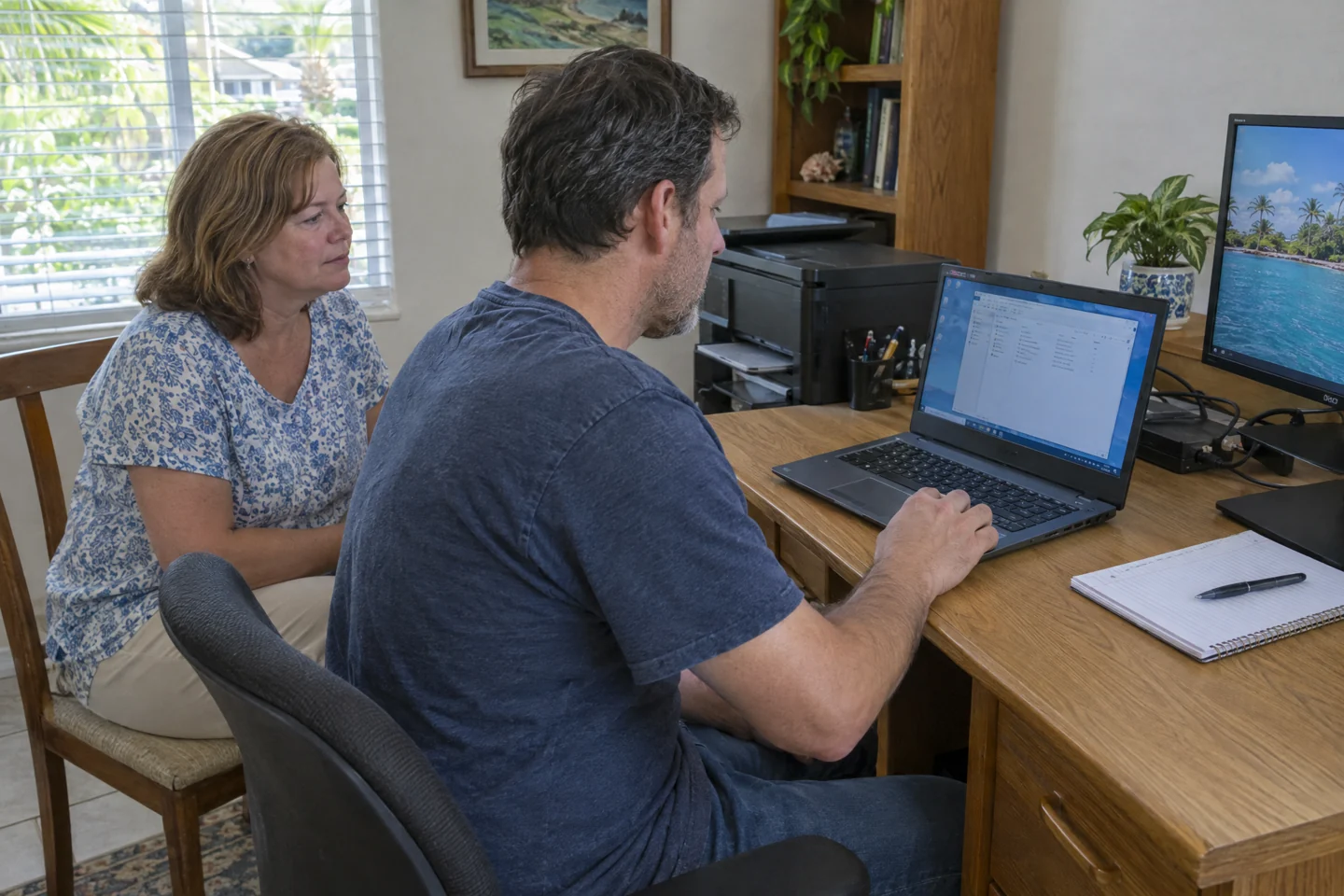
Need computer repair at home in Wellington? A Desktop Crew technician comes to you for Windows PC, MacBook and iMac troubleshooting, printer connections or a planned new-computer setup. For company-managed systems, we confirm who can authorise changes before the office visit.
We discuss the work and agree on pricing with you before work begins.


Same-day & next-day visits when available · Scope and price agreed upfront before work begins.
What needs attention?
Start with the problem. We confirm the right scope before the appointment.
PC & Mac Troubleshooting
Windows PC or Mac not starting, freezing or running slowly? We assess the symptoms and explain the options. Parts and specialist hardware work may require a separate plan.
Printer setup and connections
Help connecting your printer and checking offline errors with the computer and network you use.
Wi-Fi troubleshooting
Assess dropped connections and devices that cannot connect. We check local equipment and explain when your internet provider needs to help.
Planned Wi-Fi installation
Discuss coverage, rooms and devices before choosing a router, mesh or access-point setup. Equipment and installation scope are agreed separately.
New computer setup & data transfer
Set up a new PC or Mac, discuss accessible files to transfer and reconnect compatible devices at home.
Office computers and networks
For company systems, we confirm who can authorise changes and coordinate with your existing IT provider where needed.
Check the connection in the rooms where you need it
A computer that works beside the router but disconnects elsewhere needs different checks from a network that suddenly stopped working. Note the rooms, devices and activities affected. We assess device connections, router placement and the existing network. A new mesh or access-point installation is a separately planned project, with equipment and scope discussed first.
- Troubleshoot dropped Wi-Fi connections
- Plan a home Wi-Fi coverage improvement
- Check a Windows PC or Mac problem
- Slow or freezing Windows PC or Mac
- New computer setup & file transfer
- Printer setup & wireless connection
Separate an internet-provider outage from a local network problem
Prepare for your Wellington technician visit
Make a short list of the rooms and devices affected, and keep the router, any mesh units and the computer accessible. Note any recent equipment changes and whether wired connections still work. Mention gate or building access when arranging the appointment. For company-managed systems, identify who can authorise changes; do not send passwords or recovery codes in the request form.
We come to your location. This is not a walk-in service shop.
From the first call
to your visit.
You do not need to diagnose it first. Start with what is happening and where you need help.
- 01
Call or send a request.
Tell us the problem and your city. A short description is enough to start.
- 02
Agree on the visit.
We discuss your location, appointment availability, proposed work and charges before scheduling.
- 03
A technician comes to you.
We check the setup at your home or office, explain the findings and agree on the next step.
Before you book
Do you repair computers at home in Wellington?
Yes. A technician visits your Wellington home or office to check your Windows PC or Mac and discuss the work before making changes. For company-managed equipment, we confirm who can authorise changes and coordinate with existing IT where needed. This is a visiting service, not a walk-in shop. Parts and specialist hardware work require a separate assessment.
Can you check my computer and Wi-Fi during a Wellington home visit?
Describe both symptoms when arranging the visit so we can agree the scope. We assess the affected Windows PC or Mac and relevant local connections. Note whether other devices work normally and where the connection changes.
Do I need to buy a mesh system before the appointment?
Describe your existing router, any mesh units and the rooms where the connection is unreliable first. We assess the setup before discussing options. A planned coverage installation has a separate equipment and work scope; buying new hardware does not guarantee it will resolve an existing fault.
What if the internet problem comes from my provider?
We can assess local equipment and connections within the agreed scope. An outage or external line fault needs your internet provider. If a building or association controls the network, confirm who can authorise access or changes before the visit.
Can you help with a slow computer if the Wi-Fi works normally?
Yes. Tell us whether the Windows PC or Mac is slow when starting, opening applications or working with files, and whether other devices use the internet normally. During an on-site visit in Wellington, we can assess the affected computer and explain the findings within the agreed scope. A new router may not address a computer performance problem. Replacement parts, additional software work or a new-computer setup are discussed separately before proceeding.
How is pricing agreed?
Pricing depends on the work needed. We explain the proposed work and agree on the price with you before starting.
Can you come today?
Call to check availability for your address and task. A callback request does not book an appointment or guarantee same-day service.
What should I prepare?
Have the affected devices available and describe what changed before the problem began. Tell us about backups and employer-managed systems. Do not send passwords, recovery codes or private files through the form.
Arrange your Wellington visit
We discuss the work and agree on pricing with you before work begins.
Plan a visit in your area
Boca Raton · Delray Beach · Pompano Beach · Wellington · Fort Lauderdale · Jupiter · Boynton Beach
These pages describe service areas, not walk-in locations. Contact us for availability elsewhere in our four-county service area.