
Computer & Wi-Fi help.
At your home.
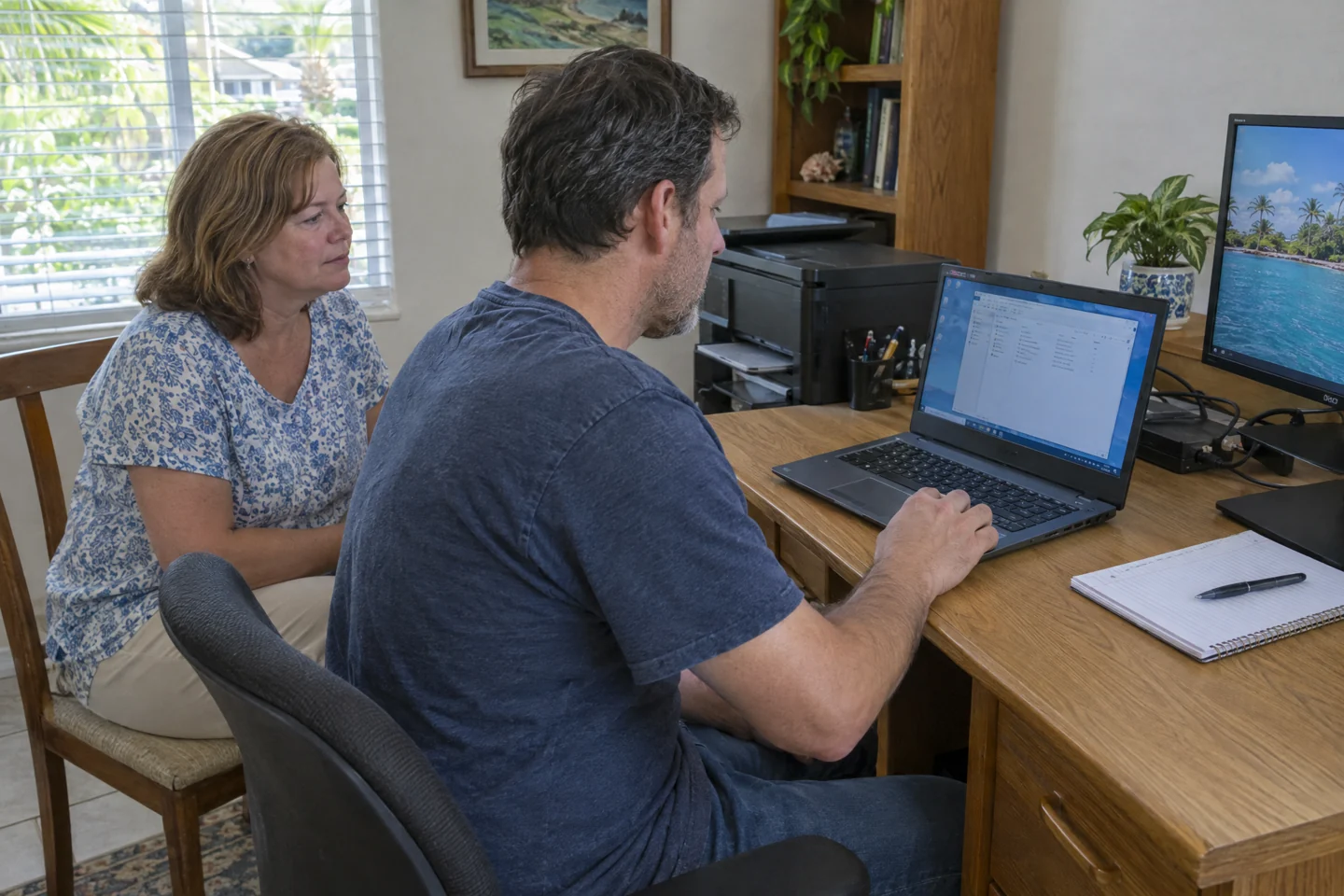
A technician comes to the place where you use your computer, printer and network. Describe the issue, share your ZIP code and discuss an in-home visit.
Choose your starting point.
Computer won't turn on
No power or a black screen? A technician checks the computer at your home.
Visit detailsSlow or freezing computer
A technician visits your home to assess slow apps, freezes or crashes.
Visit detailsViruses or scam pop-ups
A home visit to assess suspicious warnings, unwanted programs or browser changes.
Visit detailsPrinter won't connect
A home visit to check your printer, computer and network together.
Visit detailsWi-Fi stopped working
A home visit to find out why devices are offline or connections keep dropping.
Visit detailsWeak Wi-Fi & dead zones
A home visit to assess weak Wi-Fi in the rooms where you need it.
Visit detailsMake the setup fit your home.
Whole-home Wi-Fi installation
A home visit to plan coverage, equipment and Wi-Fi installation for your property.
Visit detailsHome-office setup
A home visit to set up your personal computer, monitor, printer and network.
Visit detailsFrom the first call
to your visit.
You do not need to diagnose it first. Start with what is happening and where you need help.
- 01
Call or send a request.
Tell us the problem and your ZIP code. A short description is enough to start.
- 02
Agree on the visit.
We discuss your location, appointment availability, proposed work and charges before scheduling.
- 03
A technician comes to you.
We check the setup at your home or office, explain the findings and agree on the next step.
Send your ZIP code so we can confirm availability for your location.
Tell us what's wrong.
We'll discuss a visit.
Call with the problem and your ZIP code, or send a visit request. Appointment time, work and charges are agreed before service.