
Computer won't turn on? We visit your home.
No power, a black screen or a stuck startup? A technician visits your home to assess the computer and explain your repair or next-step options.
A technician comes to your home.
Tell us your ZIP code to discuss the visit.
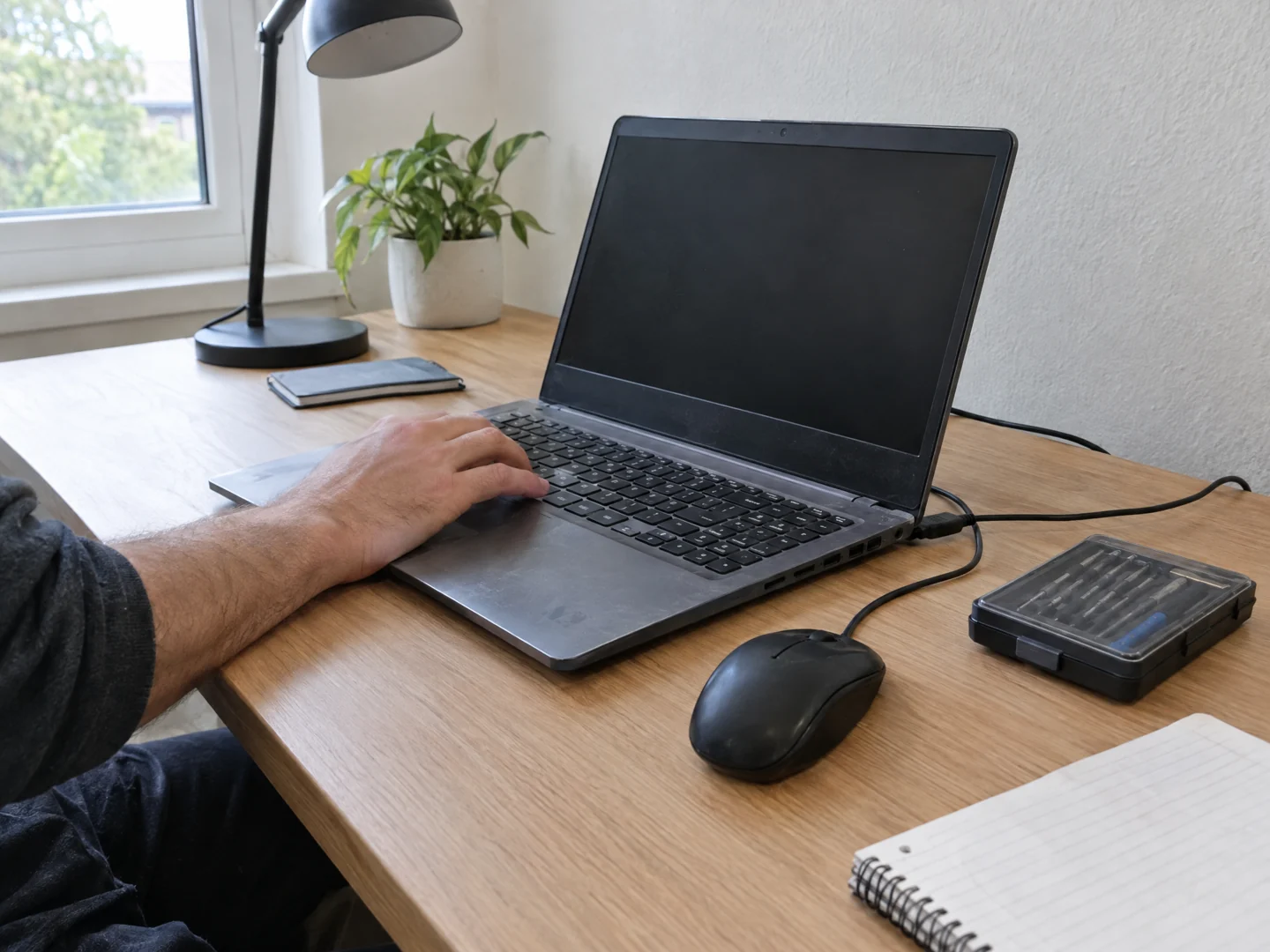
Desktop Crew provides on-site computer assessment at your home. We check the symptoms in your actual setup, explain the findings, and discuss the appropriate next step before you approve repair work.
- Nothing happens when you press the power button.
- Lights or fans come on, but the screen stays blank.
- The computer starts, then stops, restarts, or gets stuck.
Check the problem.
Explain your options.
A silent desktop, a laptop with a black screen, or a computer stuck before the sign-in screen can leave you unsure what to do next. You do not need to identify the failed part before asking for help. Tell us what happens, and request a visit to your home.
Start with the symptom
We look at what the machine does, its power connection, display setup, and the events leading up to the problem. A startup failure and a screen problem can require different next steps.
Discuss the repair path
Depending on the findings, the next step may be a configuration change, a part replacement, or more detailed hardware assessment. We explain what is proposed and whether additional equipment or specialist work is needed.
Keep your files in the conversation
Tell us which files matter and whether you have a backup. Data access, backup, and any work that could change the system should be discussed before you authorize it. File recovery is never assumed.
A few useful details.
- Note whether you see lights, hear fans, or see an error message; a photo of the screen can help.
- Have the computer model and its usual charger or power cable available.
- Tell us about recent changes and important files. Do not reset, reinstall, open the machine, or send passwords through the form.
What the visit can cover.
An on-site visit does not guarantee a completed repair that day. Failed components, unavailable parts, liquid damage, or specialist board work may require a separate plan. We cannot promise recovery of files from a damaged drive.
Before you arrange a visit.
Do I have to bring the computer to a shop?
You can request an assessment at home. We review the symptoms and location with you, then confirm whether an on-site visit is the appropriate starting point.
Does a black screen mean the computer is beyond repair?
It does not establish the cause on its own. We assess the computer and display setup before recommending a repair, upgrade, or replacement.
Can you check a Windows PC or a Mac?
Tell us the device type and model. We assess Windows and Mac issues, and explain when a particular repair needs parts or a specialist beyond the initial visit.
Send your ZIP code so we can confirm availability for your location.
Tell us what's wrong.
We'll discuss a visit.
Call with the problem and your ZIP code, or send a visit request. Appointment time, work and charges are agreed before service.