
Home-office setup. A technician comes to you.
Setting up a personal home office or changing equipment? A technician visits your home to connect your computer, monitor, printer and network within an agreed scope.
A technician comes to your home.
Tell us your ZIP code to discuss the visit.
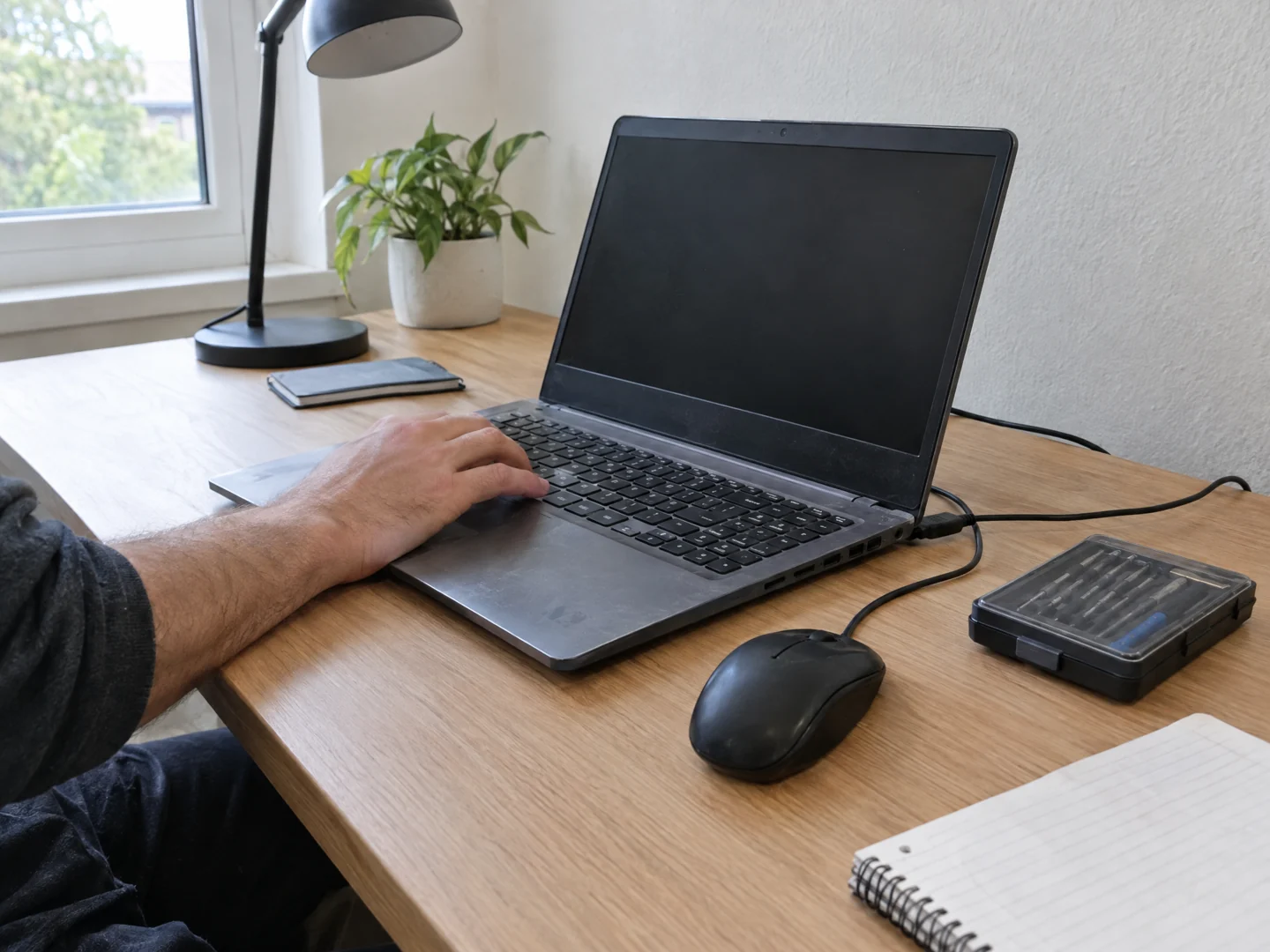
Desktop Crew provides on-site home-office assessment and setup for personal workspaces. We consider your computer, peripherals, printing, and network together, then scope the changes around the tasks you need to carry out.
- You have a new computer and need to connect your usual equipment.
- The printer, monitor, or other peripherals do not work consistently with your workspace.
- Your desk location has unreliable connectivity for calls and everyday work.
Plan your installation.
Working from home can mean a computer, a monitor, a printer, and a network that were set up at different times. Moving to a new machine or a new room should not leave you guessing what connects to what. We visit your home to assess the workspace and agree on the setup you need.
Understand the workday
Tell us what you need to do and which equipment is personal or supplied by an employer. We assess the desk setup and affected connections, rather than assuming that a new computer alone will solve every issue.
Scope the setup or transition
Agreed work can include configuring suitable peripherals, printer connectivity, and a new-computer setup. File transfer and backup requirements are discussed separately, including what is available and which changes you authorize.
Check the tasks that matter
Where appropriate, we check the agreed printing, display, and connection tasks with you. If Wi-Fi coverage is the main obstacle, we can discuss a network assessment or wider project rather than promising a simple desk-side fix.
A few useful details.
- List the devices you want connected and the tasks that currently fail.
- Have models, normal cables, and information about any existing backup available.
- Identify employer-managed devices and the person who authorizes changes. Do not share passwords, verification codes, or workplace secrets through the form.
What the visit can cover.
A home office remains a residential workspace. We cannot bypass employer security policies, change managed devices without permission, or guarantee access to company applications and accounts. Licensing, replacement equipment, data transfer, and wider networking must be agreed in scope.
Before you arrange a visit.
Can you help me set up a new personal computer?
Yes. Tell us what equipment and files need to be considered. We review compatibility, transfer requirements, and the scope before the setup is agreed.
Can you work on my company laptop?
Changes require the appropriate employer or IT authorization. We can discuss the physical workspace, but managed software and company systems remain subject to your organization's rules.
Is this the same as support for a commercial office?
No. This page covers a workspace in your home. Companies requesting work at commercial premises should use the separate business services.
Send your ZIP code so we can confirm availability for your location.
Tell us what's wrong.
We'll discuss a visit.
Call with the problem and your ZIP code, or send a visit request. Appointment time, work and charges are agreed before service.