
Slow or freezing computer? Help at your home.
Long waits, freezes or crashes? A technician visits your home to assess the computer, explain the findings and discuss maintenance or next steps.
A technician comes to your home.
Tell us your ZIP code to discuss the visit.
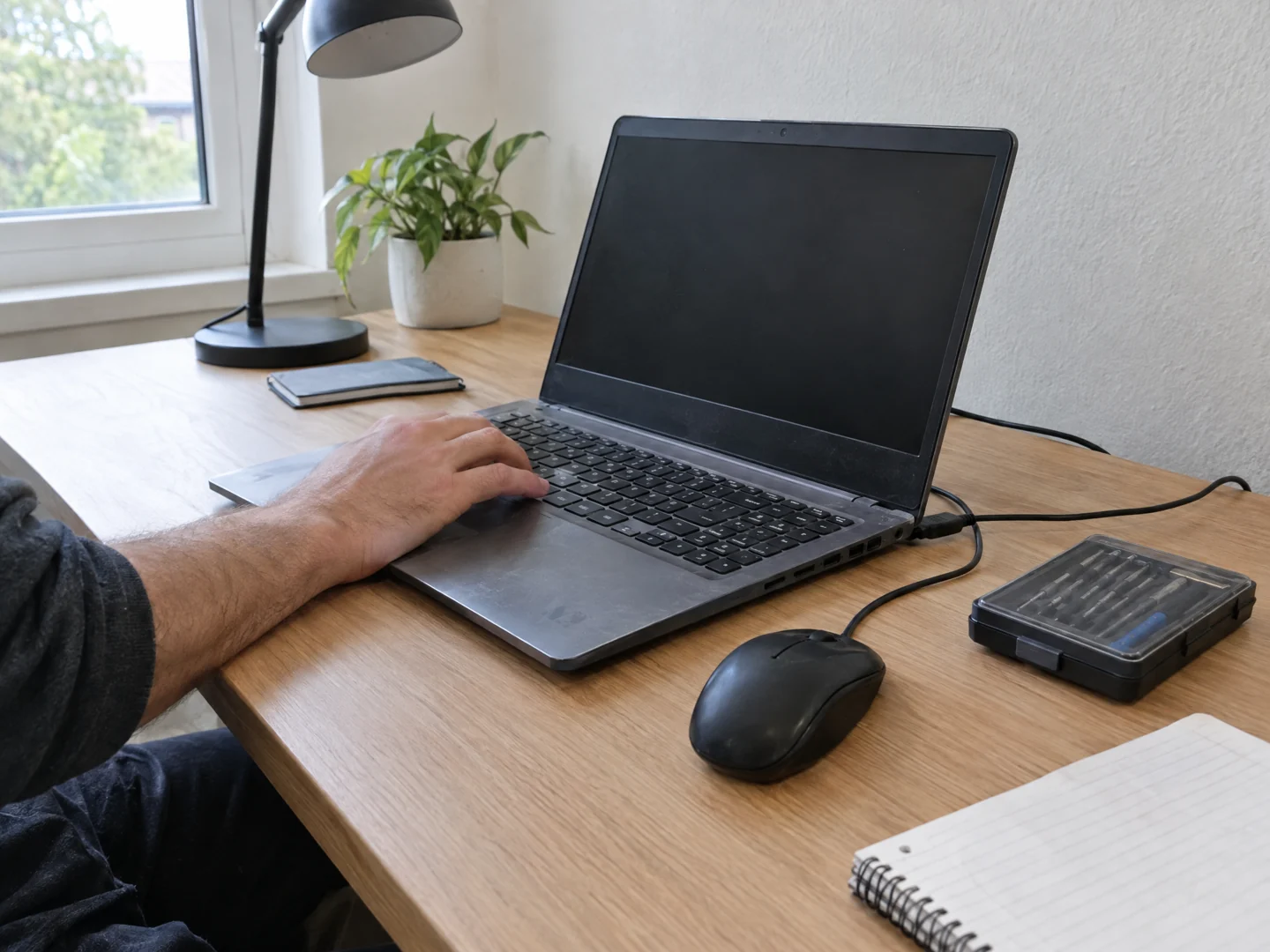
Desktop Crew offers on-site assessment for slow, freezing, and unreliable home computers. We look at the machine and the tasks that are affected, then explain whether maintenance, an upgrade, or another next step makes sense.
- Startup and everyday applications take much longer than they used to.
- The computer freezes, restarts, or stops responding during ordinary work.
- The fan is unusually loud, or the machine feels hot while performance drops.
Check the problem.
Explain your options.
Waiting for every program to open, losing work to a freeze, or hearing the fan run constantly can make an ordinary task frustrating. A computer that feels slow may need a different solution from one that repeatedly crashes. We come to your home to assess how it behaves when you use it.
Separate the possible causes
We review the affected tasks, startup behavior, software, available storage, and hardware condition where appropriate. A slow website, a slow computer, and an unstable Wi-Fi connection are not automatically the same problem.
Recommend a practical option
You receive an explanation of the findings before changes are proposed. The sensible option might be maintenance, a software correction, a targeted hardware upgrade, or planning for a replacement instead of repeated repairs.
Check your everyday workflow
Where the agreed work permits, we check the tasks you actually need: opening applications, working with files, printing, and connecting to your home network. Tell us which task is costing you the most time.
A few useful details.
- Write down two or three tasks that feel slow and whether the problem happens every time.
- Note recent updates, new software, or changes to the setup, without uninstalling anything just for the visit.
- Have the model and any backup information ready. Do not run unfamiliar cleanup tools or send passwords.
What the visit can cover.
We do not promise a particular speed increase or that every older computer can be made reliable. Hardware failure, unsupported software, or a failing drive can change the scope. Any parts, data work, or additional service must be discussed separately.
Before you arrange a visit.
Will I need a new computer?
That depends on its condition and what you need it to do. We discuss the findings and the tradeoffs before recommending repair, an upgrade, or replacement.
Can you check it at my desk?
Yes, an on-site assessment lets us see the machine with its normal network and peripherals. More involved hardware work may need a separate plan.
What if only the internet feels slow?
Tell us whether applications and local files are also slow. We can help identify whether the issue appears to involve the computer, your home network, or your internet service.
Send your ZIP code so we can confirm availability for your location.
Tell us what's wrong.
We'll discuss a visit.
Call with the problem and your ZIP code, or send a visit request. Appointment time, work and charges are agreed before service.