
Wi-Fi not working? We visit your home.
Devices offline or connections dropping? A technician visits your home to check the router, devices and network, and explain the next step.
A technician comes to your home.
Tell us your ZIP code to discuss the visit.
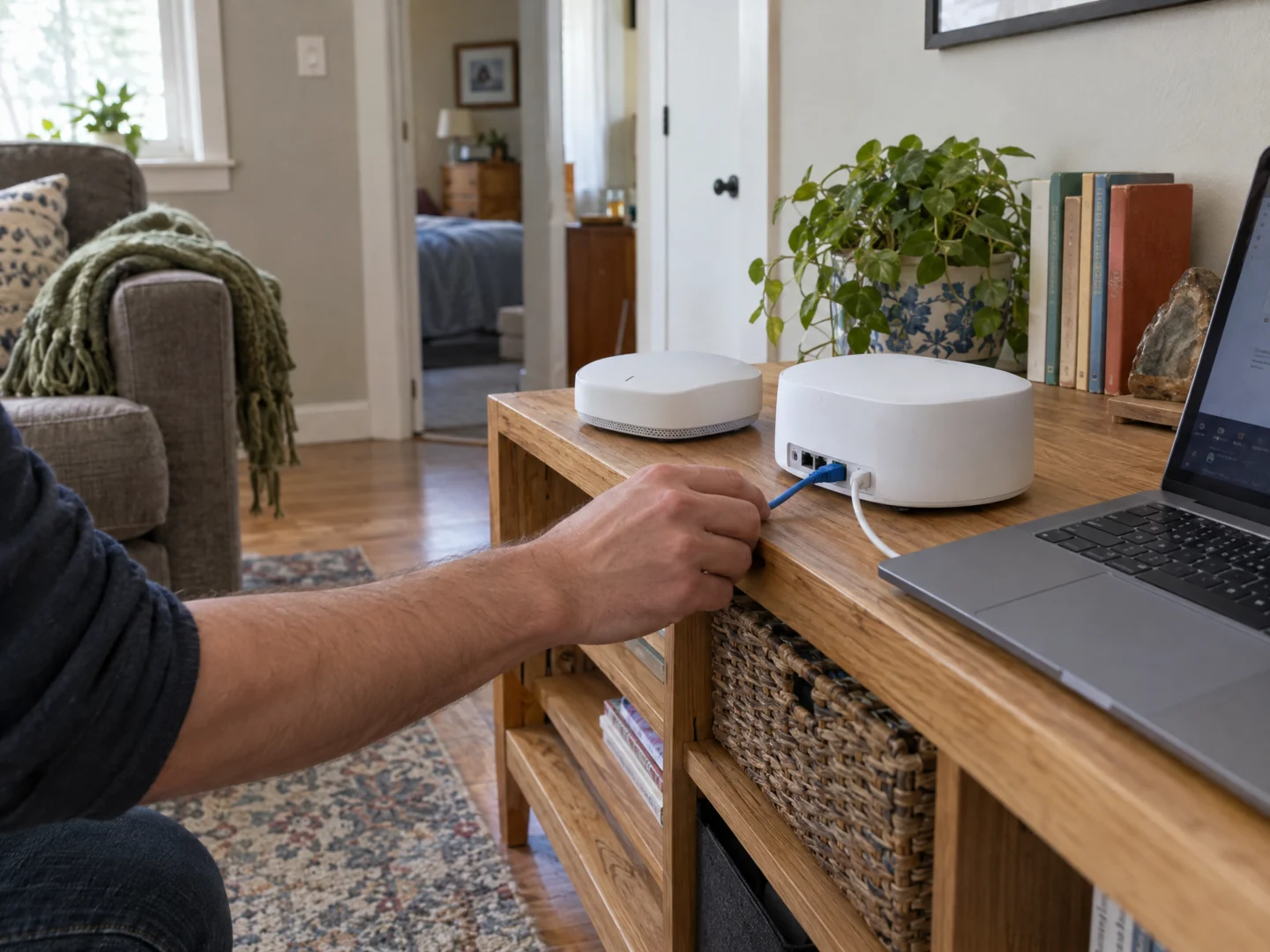
Desktop Crew offers on-site Wi-Fi and home network troubleshooting. We review the affected devices and existing equipment, identify the appropriate next step, and explain when the issue needs your internet provider's attention.
- Devices connect to Wi-Fi but websites or applications will not load.
- The connection keeps dropping or only some devices stay online.
- A new router or equipment change has left parts of the home disconnected.
Check the problem.
Explain your options.
When the internet stops working, it is not always clear whether the problem is a device, your router, the home network, or the internet provider. We come to your home to assess the setup and the places where the problem happens, rather than asking you to guess which box to replace.
Find where the problem appears
We compare the affected devices, connections, and normal use of the network. Knowing whether the issue affects one laptop, a room, or the whole house helps shape the assessment instead of assuming every interruption has one cause.
Review the existing equipment
We assess the router and connected network equipment relevant to the symptoms. Changes to configuration or equipment are proposed with an explanation; buying a new router is not the automatic starting point.
Explain your next step
If suitable work can be carried out within the agreed scope, we check the result with the affected devices. If the findings point to the provider or another issue, we explain what was observed and what needs follow-up.
A few useful details.
- Note whether all devices are affected or whether another device still connects successfully.
- Have the router model and internet provider's name ready, and note any existing outage notice you received.
- Describe recent changes and affected rooms. Do not factory-reset equipment, change wiring, or send network passwords through the form.
What the visit can cover.
We are an independent on-site service, not your internet provider. We cannot restore a provider outage, repair the provider's external line, or guarantee internet speeds. New cabling, equipment, or a wider coverage project needs an agreed scope of its own.
Before you arrange a visit.
Can you replace my internet provider?
No. We assess the equipment and network at your property. Your provider remains responsible for its service, outages, and the parts of the connection it supplies.
What if Wi-Fi works near the router but not upstairs?
That sounds like a coverage concern worth assessing. Our Wi-Fi dead-zones page explains the separate path for room-to-room connection problems.
Do I need to know which device is causing the issue?
No. Tell us what works, what does not, and where it happens. The purpose of the visit is to help assess that uncertainty.
Send your ZIP code so we can confirm availability for your location.
Tell us what's wrong.
We'll discuss a visit.
Call with the problem and your ZIP code, or send a visit request. Appointment time, work and charges are agreed before service.