
Whole-home Wi-Fi installation. We visit your home.
Planning a new home network or a coverage upgrade? A technician visits your property to plan Wi-Fi coverage, equipment and an agreed installation scope.
A technician comes to your home.
Tell us your ZIP code to discuss the visit.
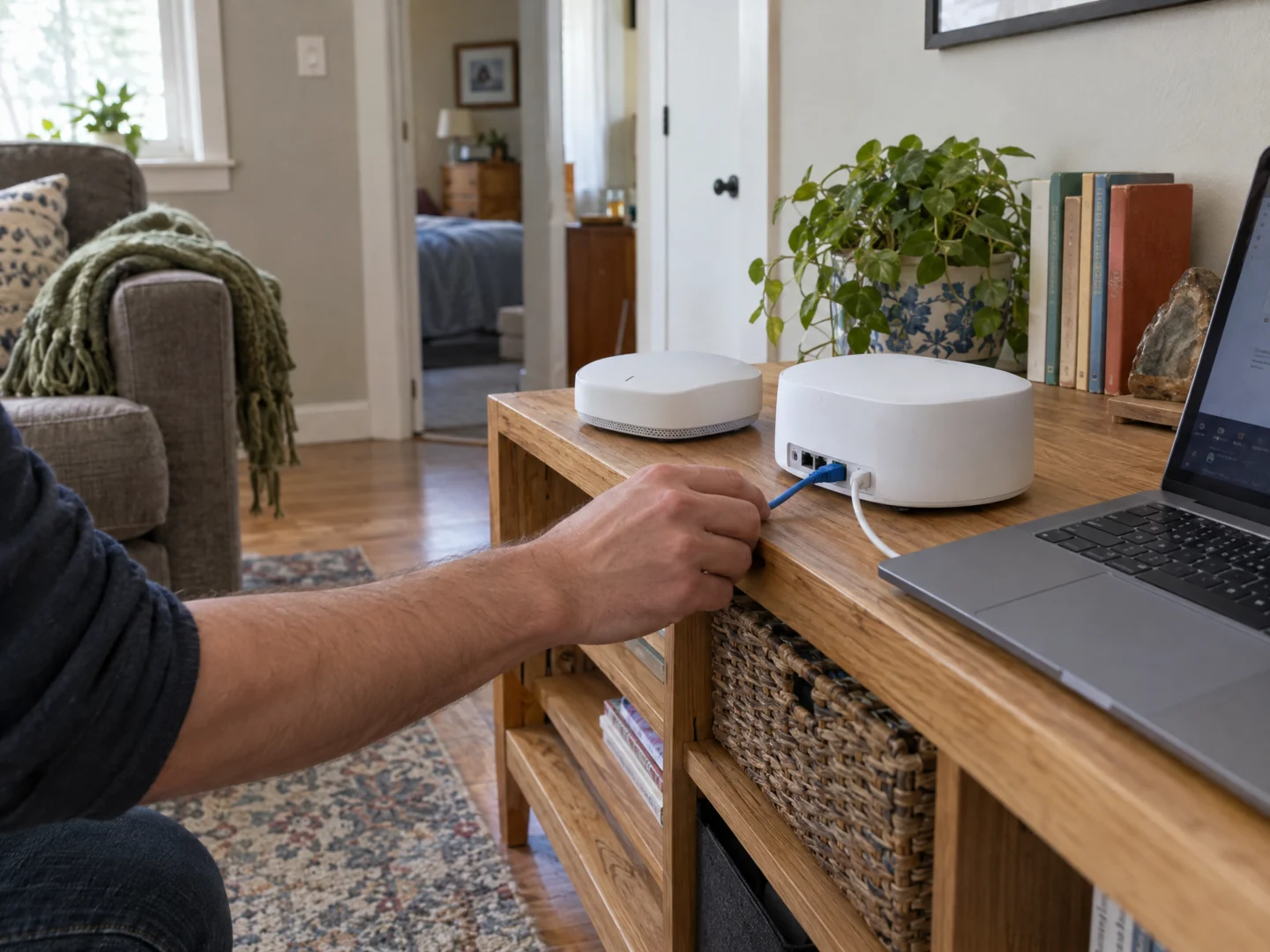
Desktop Crew plans and installs home Wi-Fi through a scoped on-site project. We assess the layout, existing connections, and intended use, discuss suitable equipment and installation requirements, then agree on the work before it begins.
- You want dependable coverage planned across several rooms or floors.
- You are moving into a home or replacing a collection of routers and extenders.
- Your home office, streaming, and connected-home devices need a more considered network setup.
Plan your installation.
A home network should support the rooms and devices you use, from a work desk to a living room or outdoor seating area. Whether you are moving in, replacing an improvised setup, or planning a larger upgrade, we start with an on-site assessment of your property and requirements.
Define the coverage brief
We walk through the areas you want included, the devices you use, and the existing internet connection. Indoor rooms, outdoor spaces, and separate structures have different requirements, so we identify them before proposing equipment.
Agree on a practical installation
The proposal can address equipment selection, placement, network setup, and feasible wired connections. We discuss what can be reused, what must be supplied, and whether any cabling or other trade work needs separate arrangements.
Install, check, and explain
The agreed project includes setup and checks in the specified areas. We walk through the completed setup with you and explain its use, what was included, and any limits or follow-up needs identified during the work.
A few useful details.
- Prepare a list of rooms, floors, and any outdoor areas you want assessed.
- Note your internet provider, current network equipment, and important connected devices.
- If available, have a floor plan or simple layout sketch ready. Do not purchase replacement equipment or send passwords just to request a visit.
What the visit can cover.
The final scope depends on the property, installation access, equipment, and provider connection. We cannot guarantee provider speeds or promise every outdoor or separate-building area without assessment. Equipment supply, cabling, and ongoing service must be explicitly agreed.
Before you arrange a visit.
Is this only for a new house?
No. An existing home can be assessed for a network upgrade. We review its current equipment and installation constraints before proposing the project.
Will the project include equipment?
Equipment requirements and who supplies them are stated in the agreed scope. The request form does not commit you to a hardware purchase or a particular brand.
Can this support smart-home devices too?
Tell us which devices need connectivity. We can include their network requirements in the assessment; wider device integration is a separate service to discuss.
Send your ZIP code so we can confirm availability for your location.
Tell us what's wrong.
We'll discuss a visit.
Call with the problem and your ZIP code, or send a visit request. Appointment time, work and charges are agreed before service.