
Printer won't connect? We visit your home.
Printer offline, missing or unable to print? A technician visits your home to check the printer with the computers and network you use.
A technician comes to your home.
Tell us your ZIP code to discuss the visit.
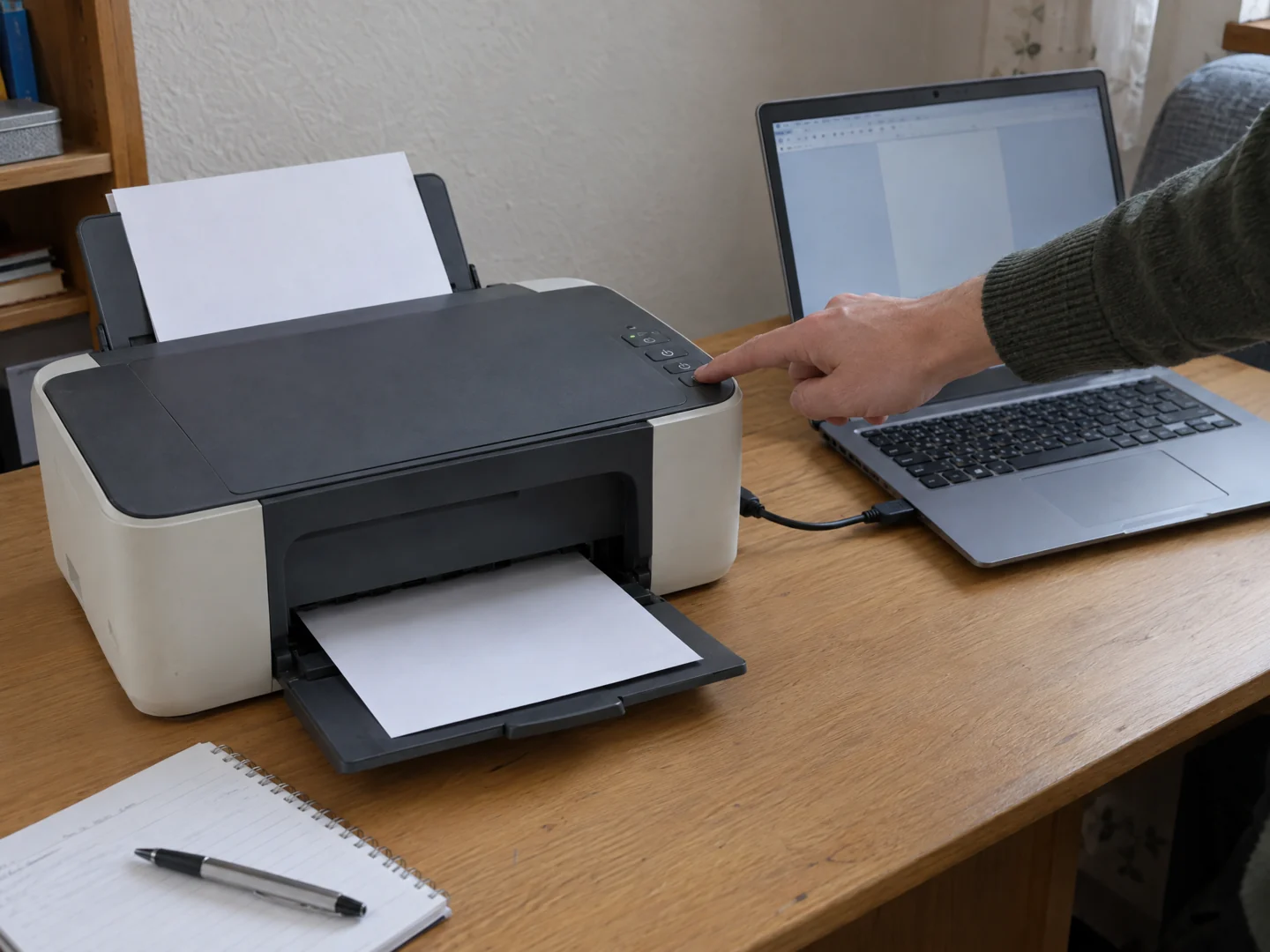
Desktop Crew provides on-site printer setup and connection troubleshooting at home. We assess the printer, connection, and affected devices, then discuss the setup or correction needed to get your normal printing workflow working.
- The printer shows offline or cannot be found by your computer.
- Printing stopped after a new router, computer, or software change.
- One device prints successfully while another cannot connect or sends stuck jobs.
Check the problem.
Explain your options.
A printer that says offline, disappears after a network change, or prints from one device but not another is difficult to assess in isolation. We visit your home to look at the printer together with the computers, devices, and network you actually use.
Check the complete connection
We review how the printer connects, which devices are affected, and the messages on the printer or computer. Network access, device configuration, software, and the print queue can require different corrections.
Set up the devices you use
Agreed work can include connecting a new printer or reviewing an existing setup with the appropriate software. Tell us whether you need printing, scanning, or use from several devices so the scope is clear.
Try a real task
Where appropriate, we test printing or scanning from the devices included in the visit. We explain what changed and discuss any limitations, so a successful test is connected to how you use the equipment.
A few useful details.
- Have the printer model and the computers or devices you want to use available.
- Note the displayed error and whether any device can still print; a photo of the message is useful.
- Tell us about recent router or computer changes. Leave factory resets and software changes until the issue is assessed; do not send passwords.
What the visit can cover.
This service focuses on setup and connectivity. It does not imply repair of damaged printer mechanisms, every commercial copier, or unavailable manufacturer software. Ink, paper, hardware faults, and replacement equipment may require a different next step.
Before you arrange a visit.
Can you help with a new wireless printer?
Yes. Tell us the model, the devices you want connected, and whether you also need scanning. We confirm the appropriate scope before the visit.
Is an offline printer always broken?
No. An offline message can involve the connection or computer configuration as well as the printer. Assessment helps distinguish the next step.
Do you service office printers too?
Commercial offices have a separate business service for computers and printers. Mechanical copier repair and managed print contracts should not be assumed from a setup request.
Send your ZIP code so we can confirm availability for your location.
Tell us what's wrong.
We'll discuss a visit.
Call with the problem and your ZIP code, or send a visit request. Appointment time, work and charges are agreed before service.