
New computer setup & data transfer. At your home.
A technician comes to your home to set up your new Windows PC or Mac, move the files you agree on and connect your everyday equipment. Keep the old computer available until the transfer has been checked.


Same-day & next-day visits when available · Scope and price agreed upfront before work begins.
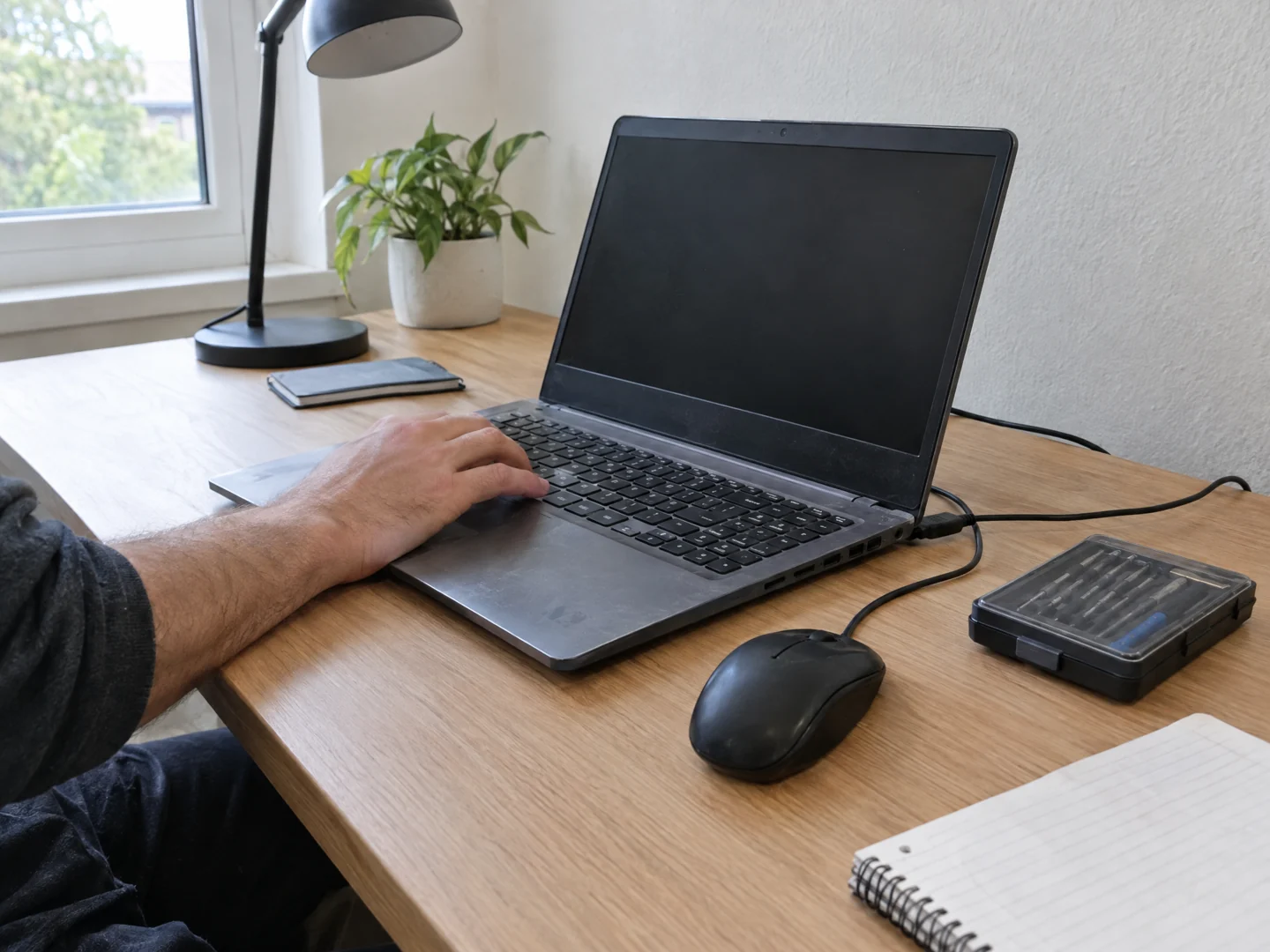
- You bought a Windows PC or Mac and want help getting it ready to use.
- Your documents and photos are still on the old computer or a backup drive.
- You need email, a printer or other everyday equipment set up on the new device.
Plan your installation.
Desktop Crew provides in-home computer setup and planned file transfer. We check the source device or backup, configure the agreed setup, and verify selected files and everyday tasks with you before handing it over.
More about this service
Start with what you need on the new computer: documents, photos, email, applications and connected devices. We review the old and new setup with you, confirm access and agree on the work before making changes.
Review the devices and files
We discuss which folders and files you want moved, the condition of the old device and any available backup. Tell us whether you are staying with Windows or Mac or changing platforms so we can assess the appropriate approach.
Set up the new computer
Agreed work can include initial setup, system updates and connecting to your home network. You sign in to your own accounts during the visit; there is no need to send passwords or verification codes in advance.
Transfer the agreed data
We use an appropriate available transfer method for accessible files. Applications, email archives and cloud-only files need separate checks: copying a folder does not automatically install software or transfer its licence.
Reconnect and check everyday tasks
We can configure compatible printers and peripherals within the agreed scope. Together we open selected transferred files and check the agreed email, printing or other tasks. We discuss backup arrangements and explain what remains to be done.
A few useful details.
- Keep the old and new computers, chargers and any backup drive available.
- List the folders, applications and connected devices that matter to you. Do not reset or erase the old computer before the transfer is checked.
- Be ready to sign in yourself during the visit. Keep passwords, recovery keys and verification codes out of the request form.
What the visit can cover.
This is planned setup and transfer from accessible devices or backups, not a promise to recover lost data from a failed drive. Software licences, subscriptions, replacement equipment and specialist recovery are separate. Work on employer-managed devices requires the appropriate authorisation. We do not erase the old computer as part of a standard transfer.
Before you arrange a visit.
Can you help with both Windows PCs and Macs?
Yes. We discuss the source and destination devices before arranging the work. Files and software can have different compatibility requirements, particularly when changing platforms.
Will all of my programs move with my files?
Not necessarily. Programs may need compatible installers, a current licence and a separate sign-in. We identify the applications you need and explain what can be configured.
What if the old computer will not turn on?
Tell us before the visit. We first need to assess whether the files are accessible or available in a backup. A failed device can turn a planned transfer into a separate diagnostic or recovery task.
How long will the visit take?
It depends on the devices, data volume, connection speed, updates and agreed setup. We discuss the likely scope before scheduling and explain if additional work is needed.
Will you remove everything from my old computer?
No. We keep the source device intact during the standard transfer. Erasing or preparing it for disposal is a separate decision after you have checked your files and backup.
Can you help me move from a Windows PC to a Mac?
Yes. A technician visits your home to review the old PC, the new Mac and the accessible files you want to move. We agree on a suitable transfer method and check selected files with you afterward. Windows applications may need a Mac-compatible version or an alternative, so they are assessed separately from documents and photos. Keep the old computer and any backup available, and sign in to your own accounts during the visit.
Plan a visit in your area
Boca Raton · Delray Beach · Pompano Beach · Wellington · Fort Lauderdale · Jupiter · Boynton Beach
These pages describe service areas, not walk-in locations. Contact us for availability elsewhere in our four-county service area.
Send your city so we can confirm availability for your location.
Tell us what's wrong.
We'll discuss a visit.
Call with the problem and your city, or send a visit request. Appointment time, work and charges are agreed before service.